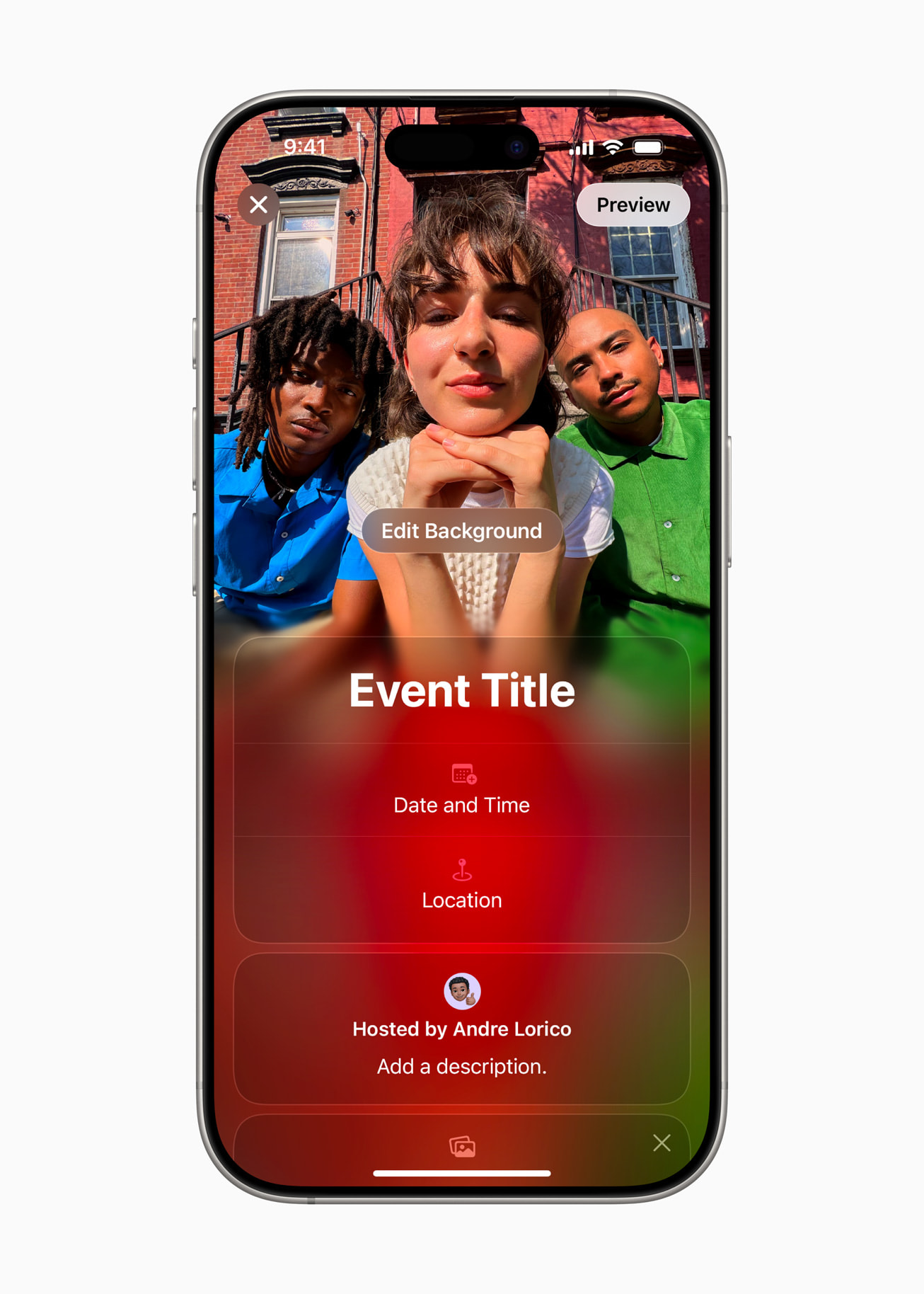
Thanksgiving plans can get messy fast: one text thread has the address, another has arrival times, and the final head count lives in somebody’s notes app. Apple Invites gives iPhone users a cleaner way to put the essential details, RSVPs, photos, and even a shared music playlist in one place.
The timing is useful now, with Thanksgiving less than a week away. A host with iCloud+ can create an invitation in the Apple Invites app or at iCloud.com/invites. Guests do not need an Apple device or even an Apple Account to respond, which makes it practical for mixed iPhone-and-Android families.
Start with the details everyone keeps asking for
Create one invitation for the gathering, then add a clear title, date, start time, address, and a short host message. Use that message for the details most likely to prevent last-minute confusion: where to park, which entrance to use, whether guests should bring a dish, and when dinner will actually be served.
Apple says Invites works with Maps and Weather, so guests can check the location and conditions from the event. That is especially handy for travelers deciding when to leave or what to wear. Still, put any critical accessibility or parking instructions in the host note rather than assuming everyone will inspect the map.
Choose a photo that makes the invitation easy to recognize
You can select a picture from your photo library or choose one of the app’s backgrounds. If your iPhone supports Apple Intelligence, Apple also highlights the option to create an image with Image Playground. For a family gathering, a familiar photo from last year is usually better than elaborate artwork: it makes the invitation instantly recognizable when it appears in Messages or email.
Before sending, double-check the time zone if relatives are joining remotely and confirm that the map pin lands on the correct entrance. A polished invitation is helpful, but accurate logistics matter more.
Send one link—even to guests without iPhones
Share the invitation link by Messages, email, or another service your group already uses. According to Apple’s original Invites announcement, anyone can RSVP whether or not they own an Apple product. That removes the biggest barrier for a family event: the guest list does not have to match the host’s ecosystem.
Ask each household to respond by a specific day and include the number of people attending in the name or note if the invitation format does not make the household count obvious. The host can then use the guest list as the single source of truth for seating and food. If somebody answers in a separate text, update your own plan immediately so that side conversations do not create two different head counts.
Turn on the shared album before guests arrive
Each event can include a Shared Album where attendees contribute photos and videos. Enable it before Thanksgiving and mention it in the invitation so guests know where to add pictures. This is easier than chasing separate albums after dinner, and it gives everyone one place to revisit the day.
Set expectations, too. A shared event album may include children, homes, or relatives who do not want every photo redistributed. Ask before reposting images publicly, and remove anything a guest would rather not share. Convenience should not override consent.
Add a collaborative playlist—but keep it optional
Apple Invites can connect an Apple Music collaborative playlist to the event, letting guests add songs before the gathering. Start with a short base playlist, invite additions, and download it to the device that will handle music if the house has unreliable internet. Apple Music access is required for the music features, so do not make the playlist the only place you communicate event details.
A five-minute setup checklist
- Confirm the date, start time, address, and map pin.
- Add parking, accessibility, and food instructions to the host note.
- Choose a recognizable photo or background.
- Set an RSVP deadline and send one invitation link.
- Enable the Shared Album before the event.
- Add a playlist only if your group will actually use it.
- Check the guest list two days before shopping or cooking.
The takeaway
Apple Invites will not cook the turkey or settle the seating chart, but it can replace a scattered set of messages with one dependable event page. Set it up now, keep the instructions concise, and use the guest list as your planning record. The best invitation is not the fanciest one—it is the one that gets everyone to the right place at the right time.
Leave a Reply