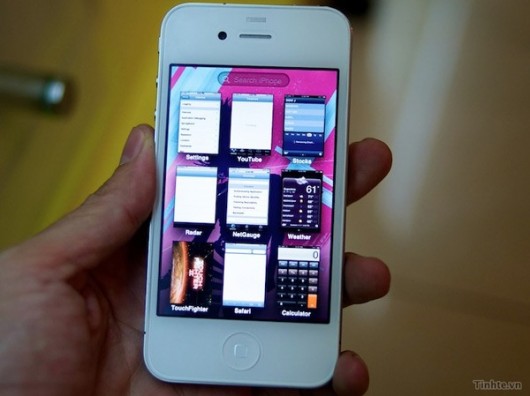
Tinhte.vn, who is know for leaking things early has posted a video on YouTube that is showing some of the new multitasking features that we may see in iOS 5. They are being demoed on a white iPhone 5 and have some internal testing applications on the device. Cydia is nowhere to be found, but it may be hidden. These multitasking features look identical to the popular cydia application Multiflow, which you can download now to have the same features.
This may be real as Apple is always stealing the ideas of the jailbreak community, but for now I would say it is fake and they are running a newer version of multiflow.
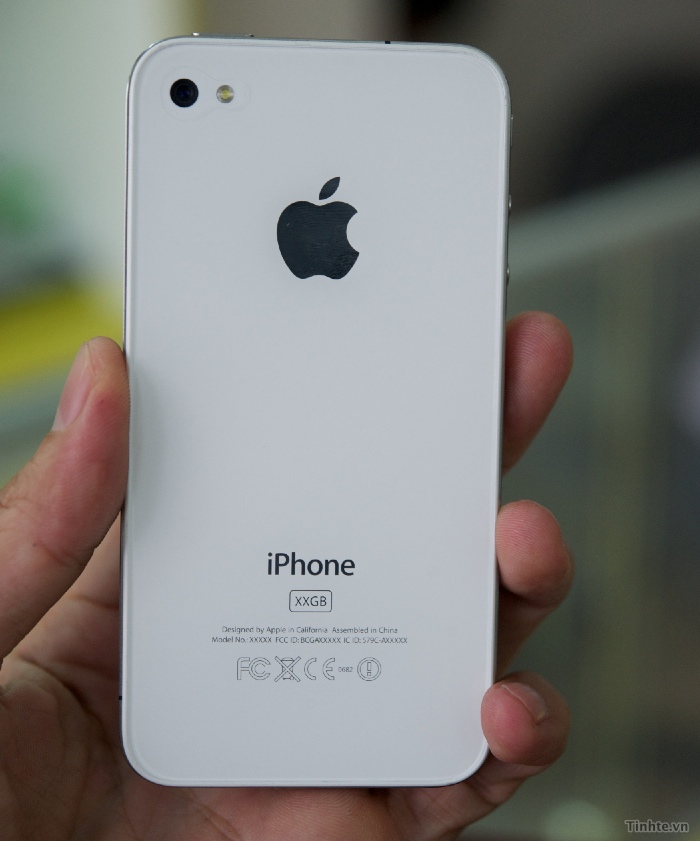
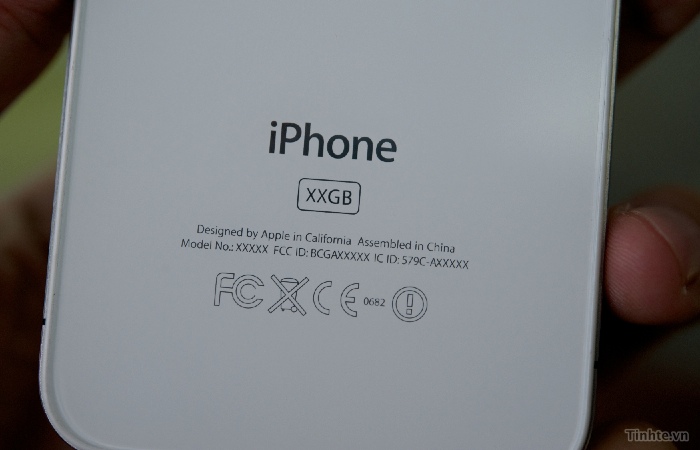
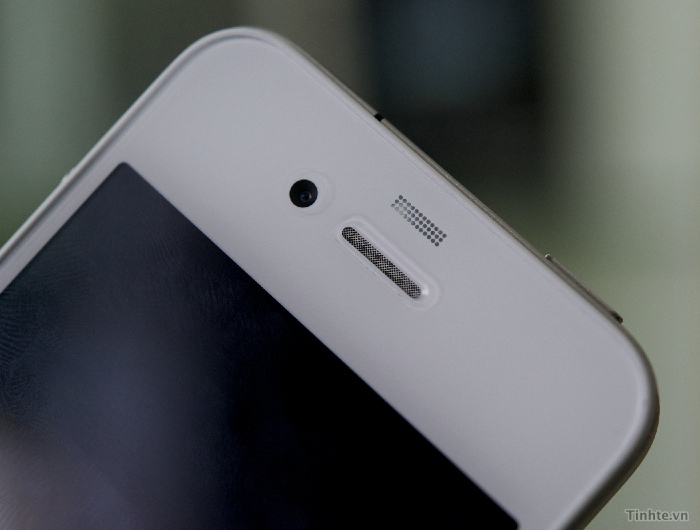
UPDATE : Hey guys, here’s some more pictures of the device to add to Mike’s article! I found them, take a look in the gallery.
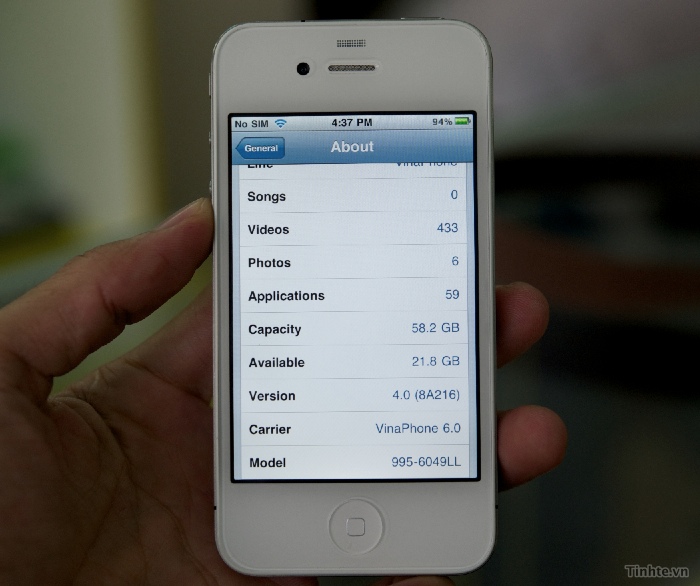
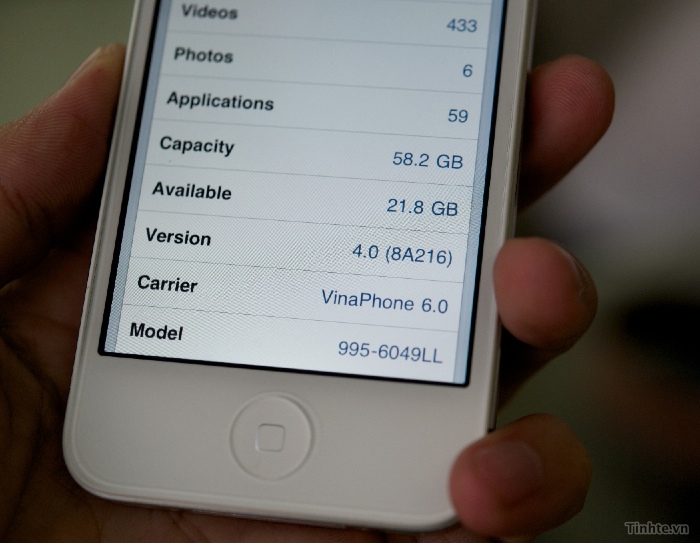
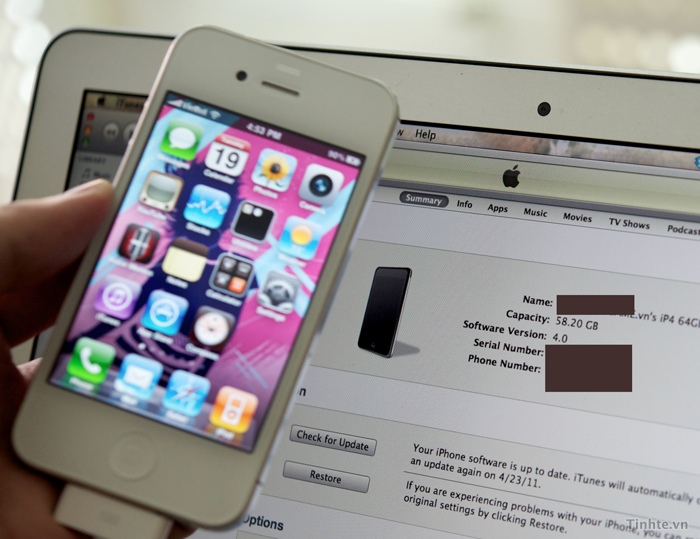
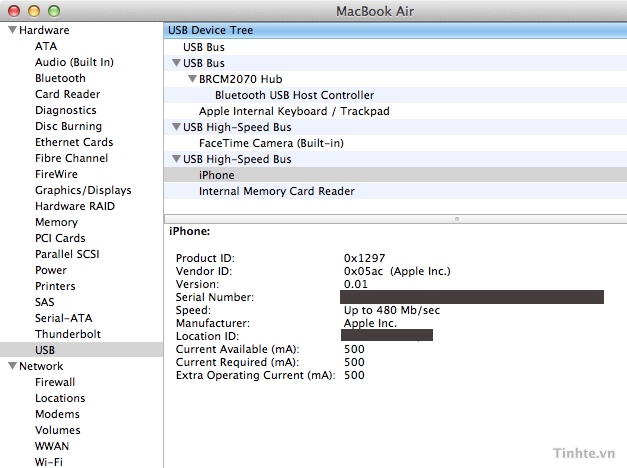
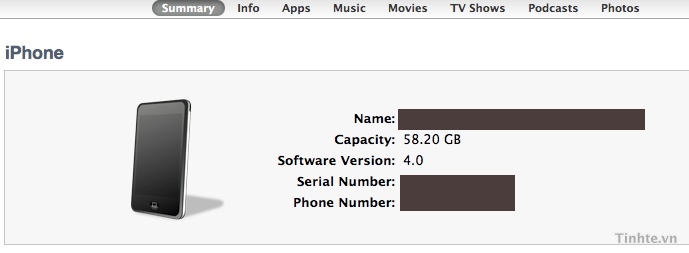
P.S. – It looks real to me seeing as this is iOS 4.0 (a “test build” that could be a reality in iOS 5). It just looks too clean and smooth to be a fake or multiflow as Mike said. Also, it’s a 64GB model. You can’t fake that since it takes the info right from the hardware.
Also, the people that leaked this say that the phone can’t be updated unless Apple says so. It uses some newer SHSH method that limits what build works on what device since this is clearly an iPhone 4, it can’t be updated to iOS 4.0.1+ since those are different builds.
Also, take a look at the Touch Fighter demo. It’s an app Apple never released. The only weird thing I see is the home button. In 1 picture it’s all white and in the other the square is black in the home button.



UPDATE 2: Hey guys, here’s a 2nd video I also found!
Incoming search terms:
- multiflow ios 5
- multifl0w iOS 5
- ios 5 release date
- iOS 5 multitasking
- ios5 multiflow
Why is there no face time icon in second video when he makes the call?
cause the person he called is not on an iPhone 4.
How come there is the old Voice Memos icon from 3.0 – 4.1 and the old calculator icon from 3.0 – 3.1.3?
I think we have decided that this is an early release of iOS 4.0
Looking closely, it doesn’t look like it has a retina display
Ummm you cant fake the hardware but you can fake the about screen with Fake About Screen from ModMyi in Cydia
http://bre.ad/02z5yf